
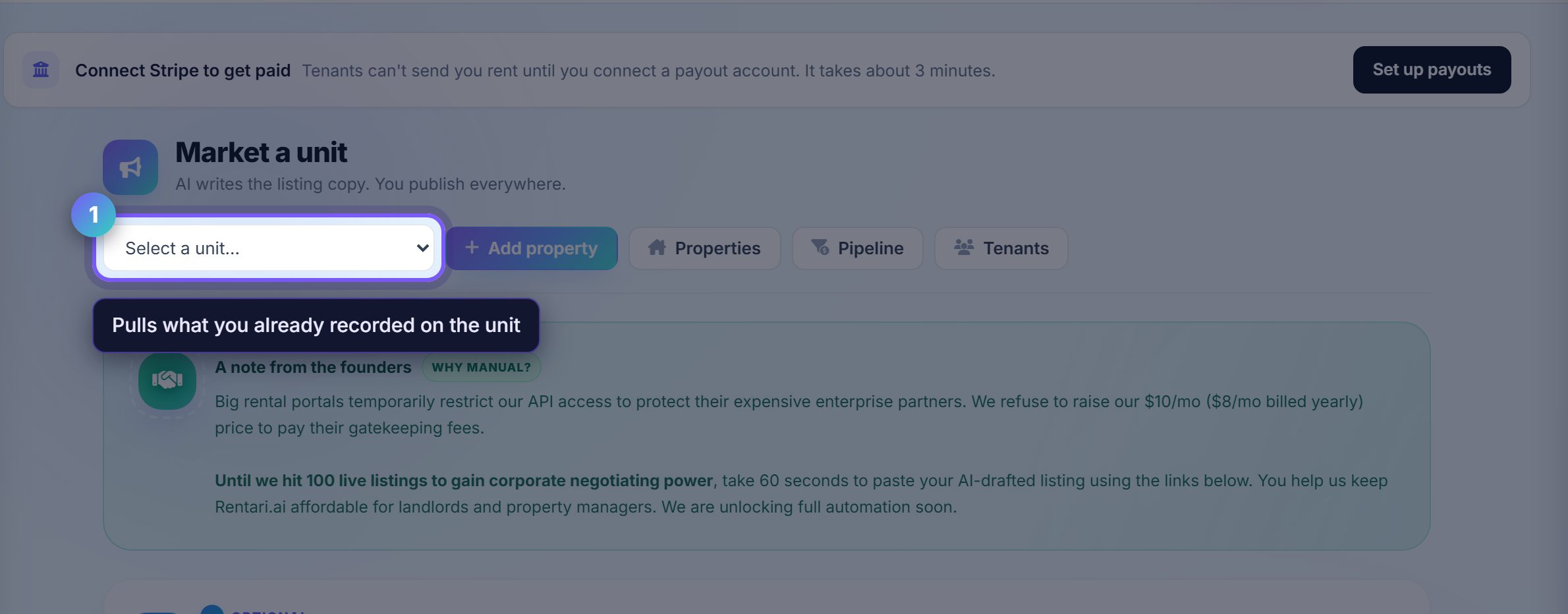
Start from the unit, not a blank page
Selecting a unit fills the beds, baths, square footage and current rent from what is already on record.
Anything missing is worth filling in here rather than typing it into the listing, because the unit record is what every other screen reads from afterwards.
Check the rent before you commit to it
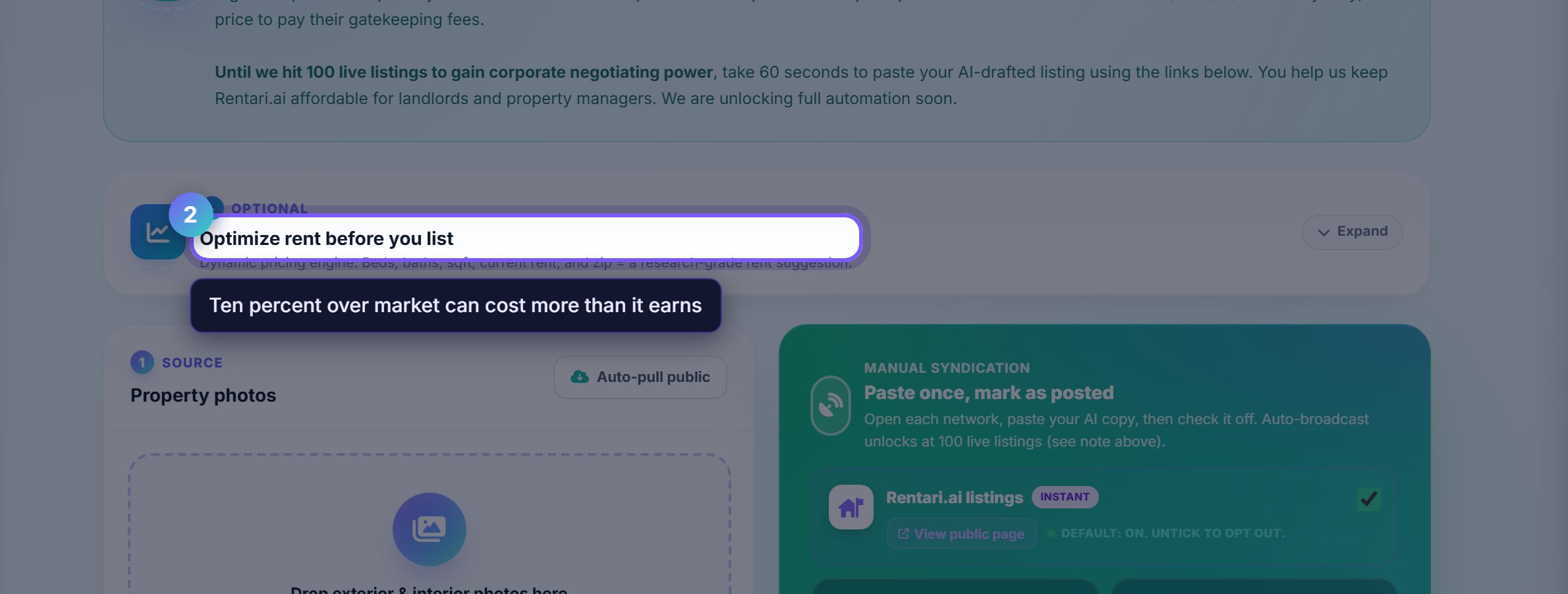
The rent guidance compares your unit against what similar ones are actually asking nearby.
Ten percent over market is not a better outcome if it means three extra weeks vacant. The page shows the trade rather than just a number.
Photos do most of the work
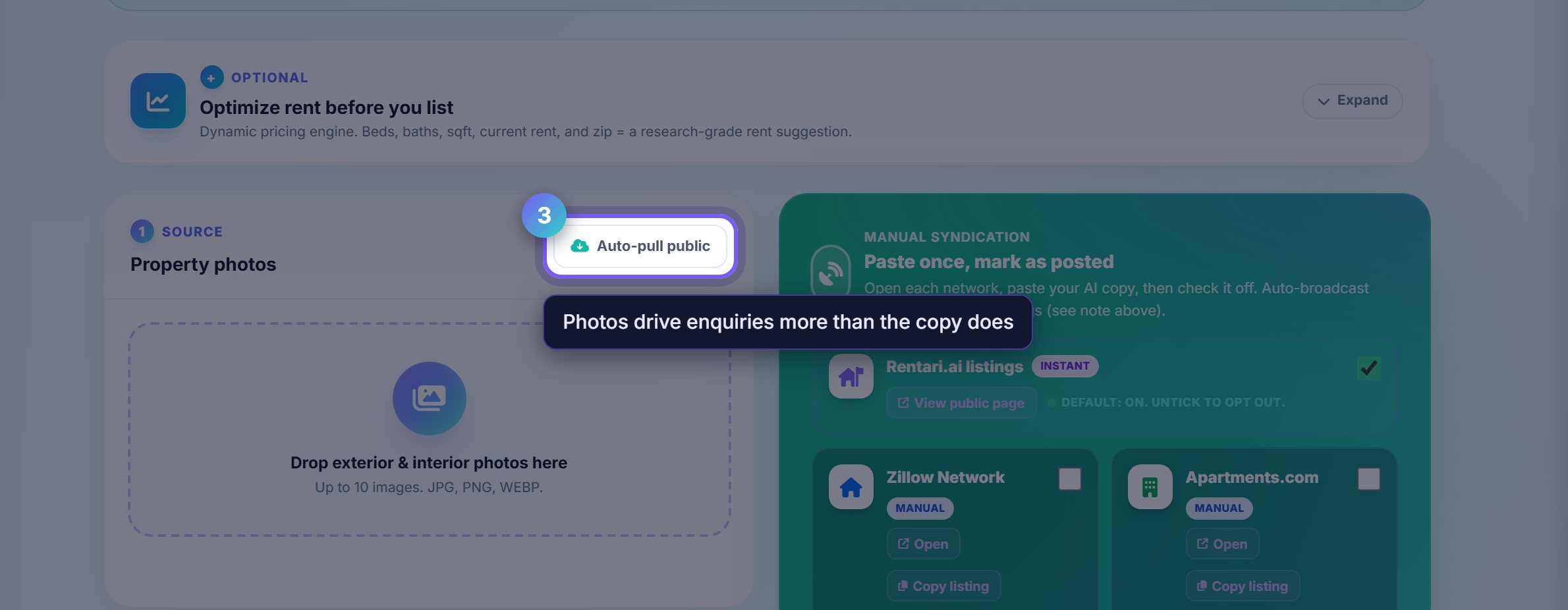
Upload what you have. Auto-pull public tries to find existing exterior photographs of the address, which is a reasonable start for a building you have not photographed yet.
Listing photographs are the single biggest driver of enquiries, well ahead of the description.
Copy the listing out to each site
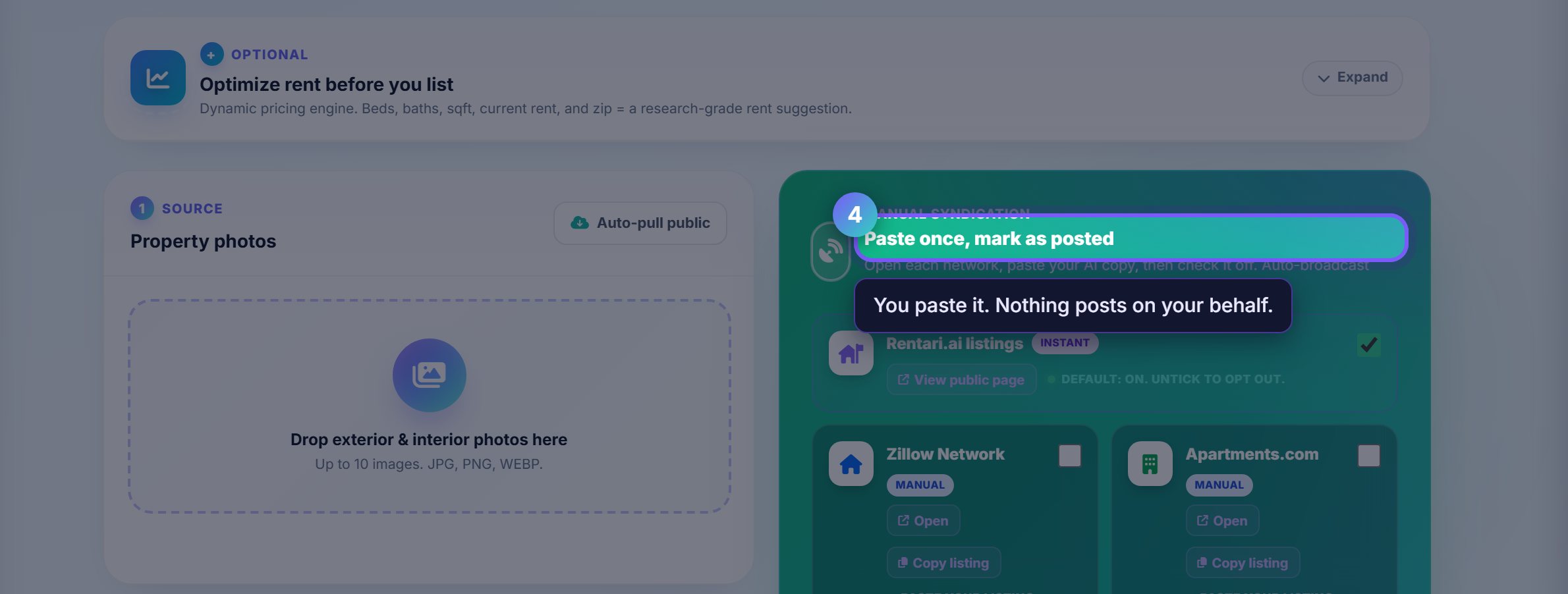
Rentari writes the headline and body from the unit and the neighbourhood, then gives you Copy buttons and a checklist of sites.
You paste it and tick each one off. Rentari does not post on your behalf, so nothing goes live anywhere you did not put it yourself.
Where to go next
- Leasing pipelineWhere the enquiries land once the listing is live.
- ScreeningCheck whoever applies.