
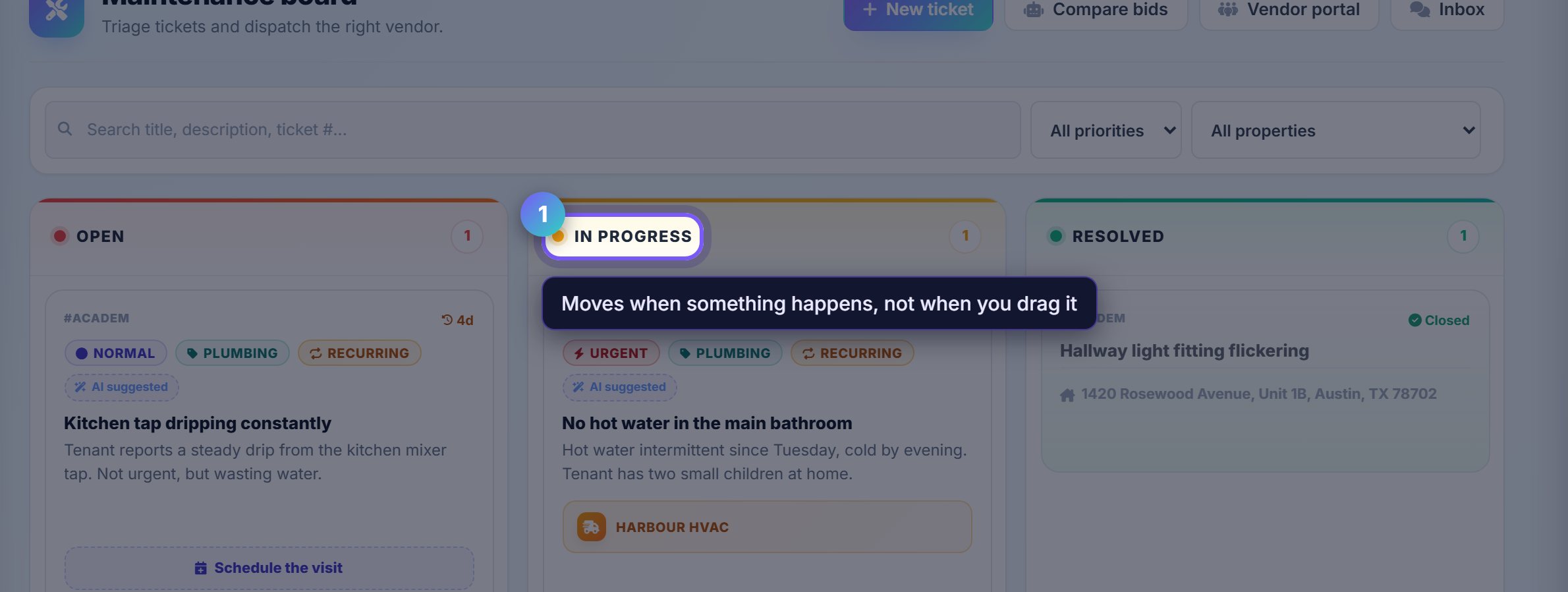
The board is the state of every job
Open, In progress, Resolved. A ticket moves when something real happens to it, not when you remember to drag it.
Assigning a vendor moves it to In progress; the vendor marking the work done moves it to Resolved, and you can still reopen it.
Sort by what will hurt if it waits
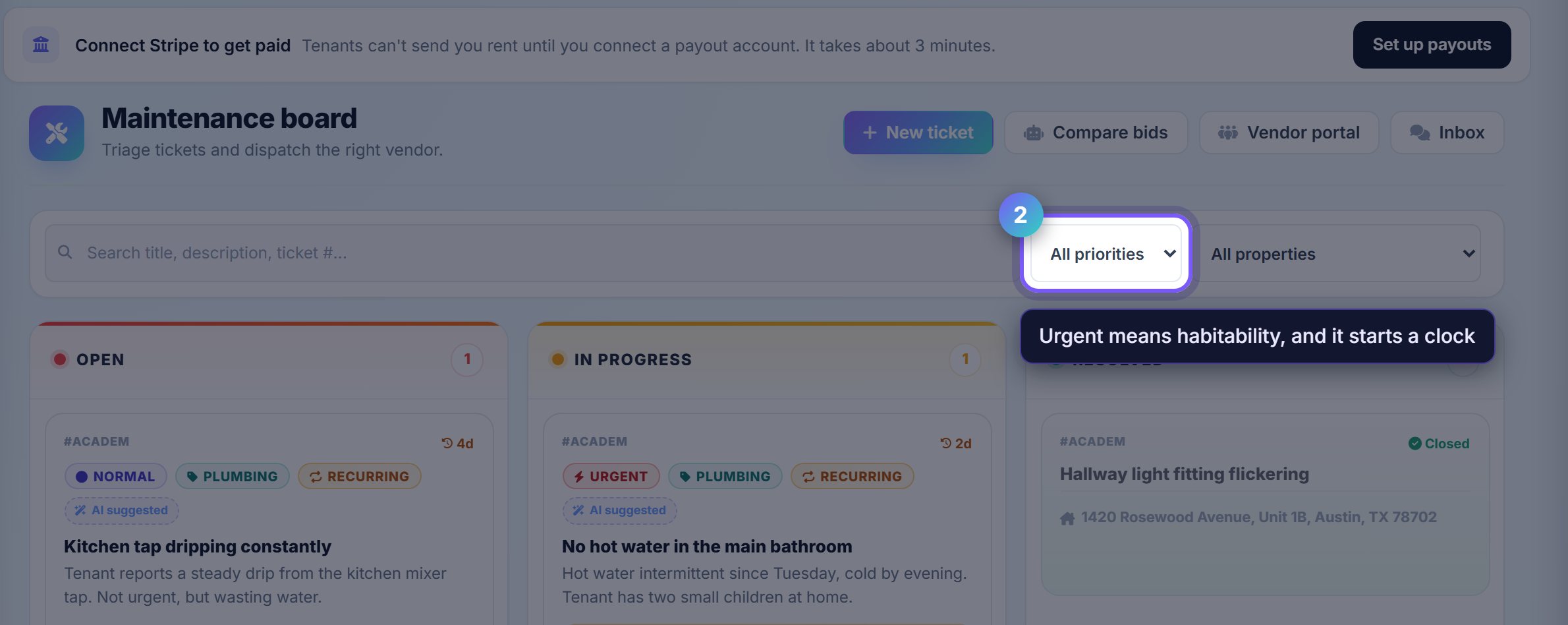
Priority is the filter that matters on a busy board. Urgent is habitability: no heat, no hot water, no working lock.
Rentari triages incoming tickets and proposes a priority from the tenant's own description, which you can override.
Raise one yourself
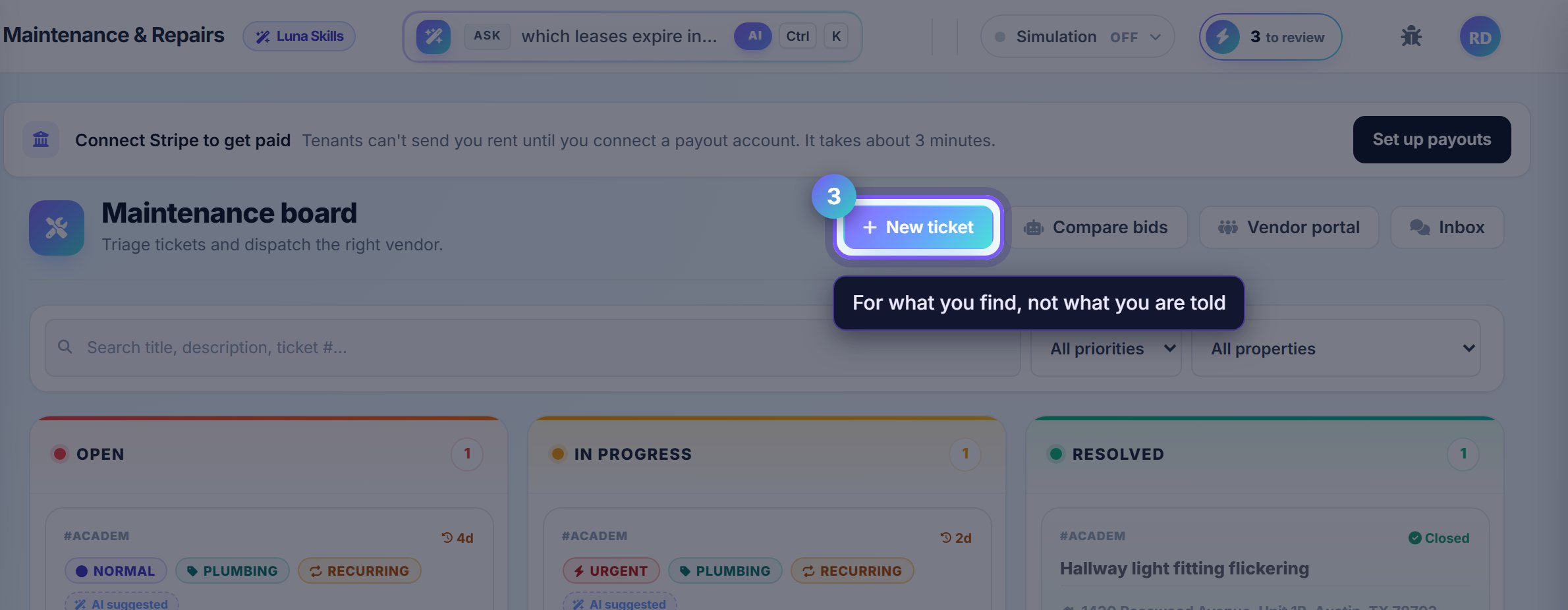
New ticket is for what you find rather than what a tenant reports: something you spotted on a walkthrough, or a job a neighbour mentioned.
It carries the same triage, vendor assignment and history as a tenant-raised one.
Compare bids before you commit
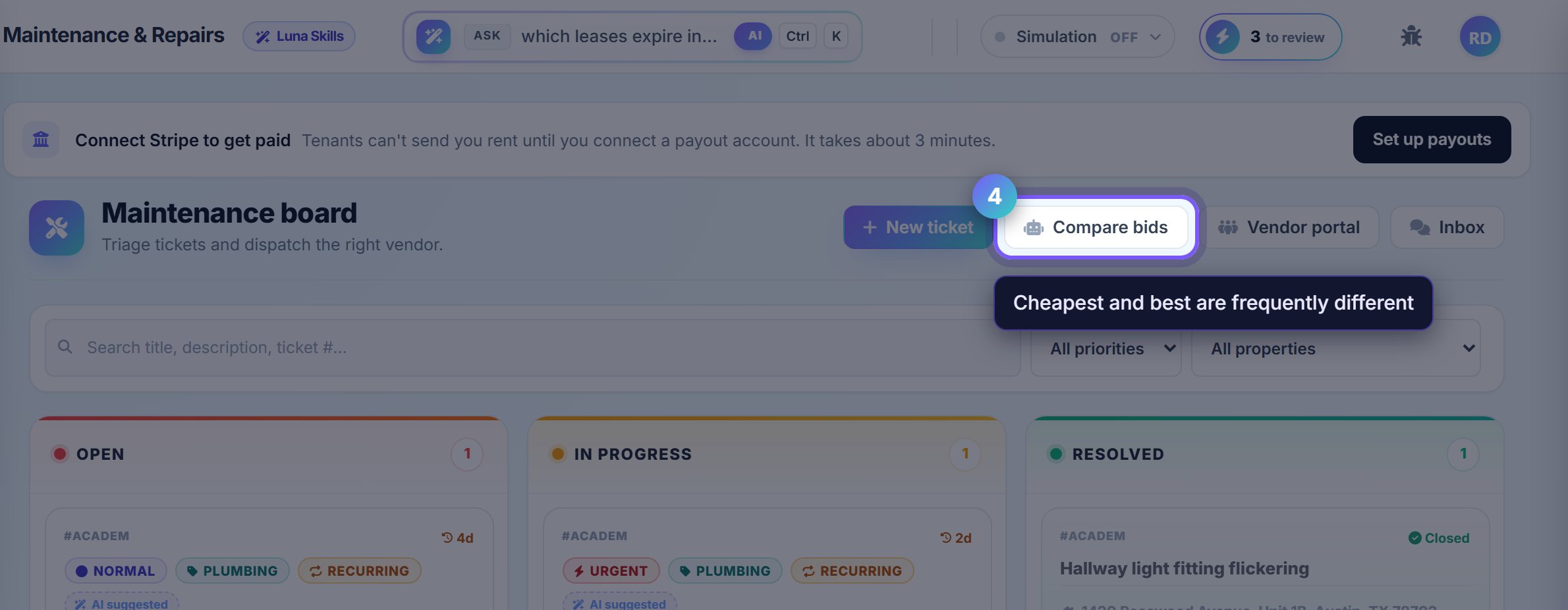
For anything expensive, Compare bids puts the quotes side by side with each vendor's history on your portfolio.
Cheapest and best are frequently different, and a vendor who has already done six jobs for you without a callback is worth a premium.
Where to go next
- VendorsWho does the work, and their 1099 position.
- InspectionsCatch the job before the tenant reports it.