
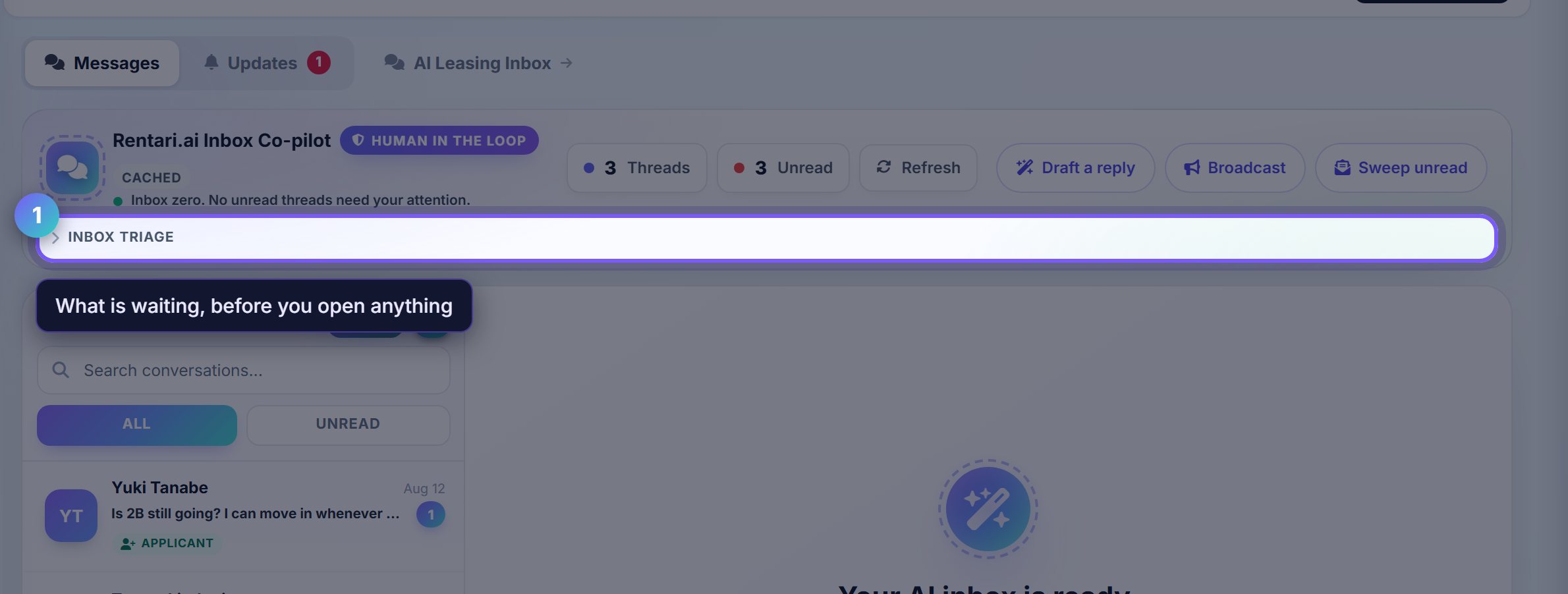
Read the triage before the messages
Inbox triage is the summary of what is waiting: what is urgent, what is merely unread, and what has been sitting too long.
Read it first. It is faster than opening threads to discover which ones mattered.
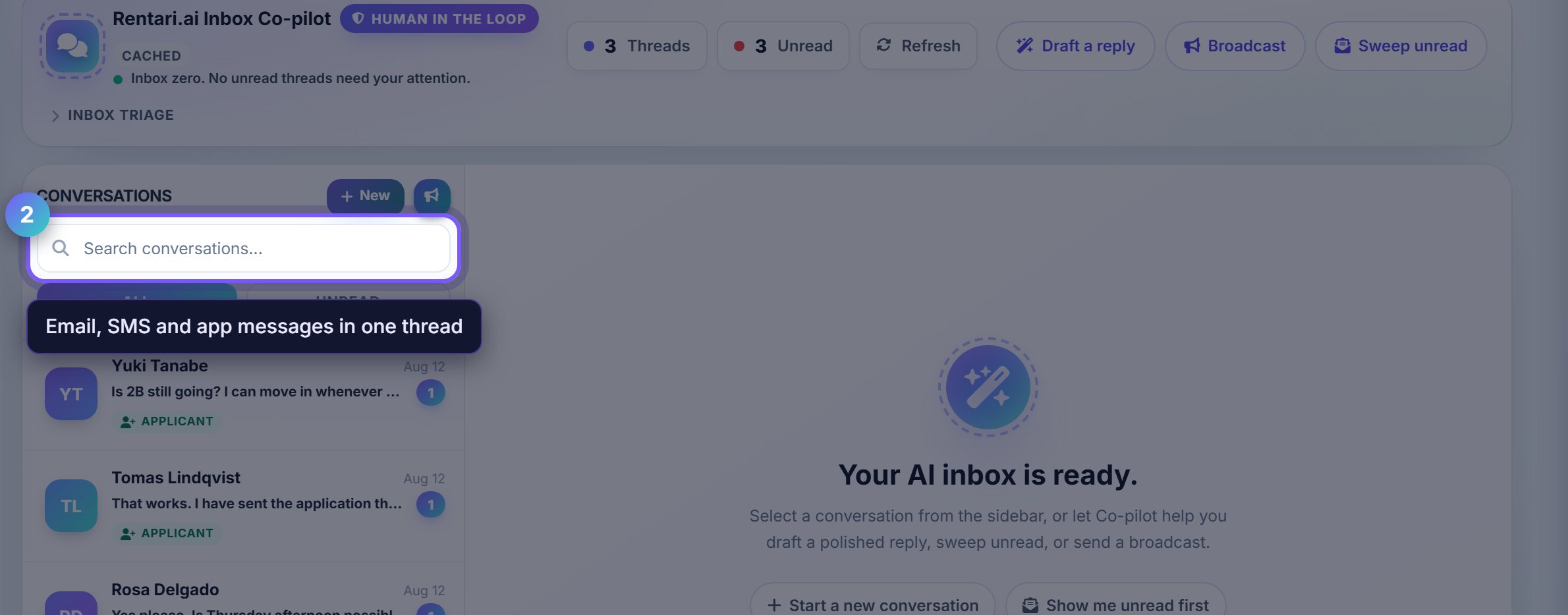
One thread per person, whatever the channel
A tenant who texts on Monday and emails on Thursday is one conversation here, not two. Replies go back out on whichever channel they used.
That is why the history is worth reading before answering: the question may already have been asked somewhere you were not looking.
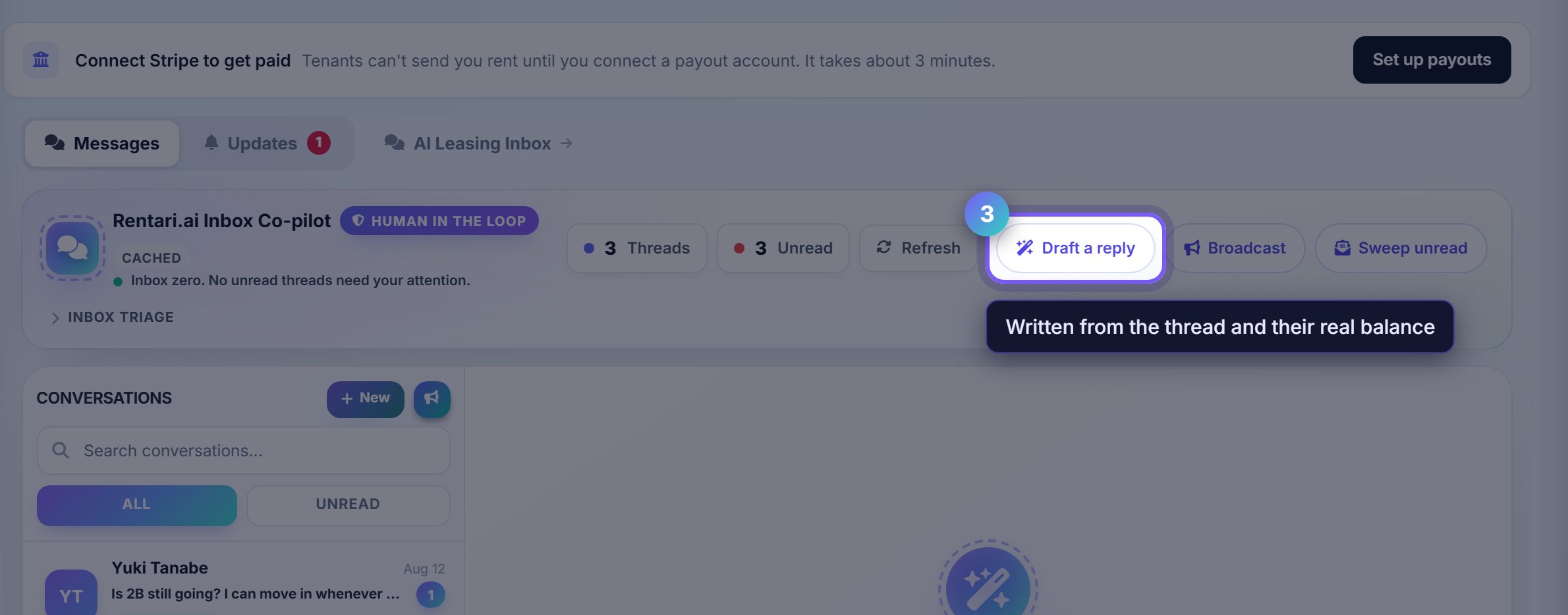
Let it draft, then edit
Draft a reply writes an answer from the thread and the tenant's actual situation: their balance, their lease dates, their open tickets.
It is a draft. Nothing sends until you send it, and editing it is expected rather than a sign it got something wrong.
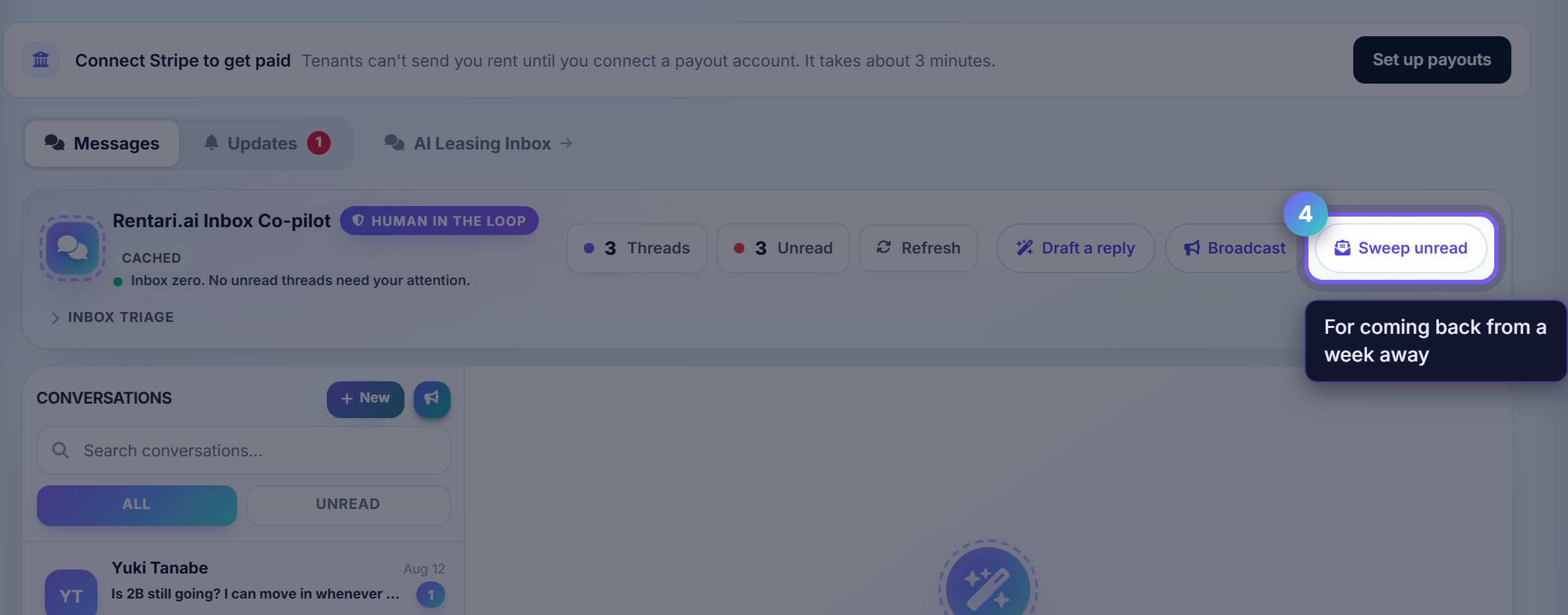
Clear the backlog in one pass
Sweep unread works through everything unanswered and proposes a reply or an action for each, one after another.
This is the tool for coming back from a week away, rather than opening forty threads by hand.
Where to go next
- Mozart's memorySet the tone these drafts are written in.
- Maintenance boardWhere a message about a repair should end up.