
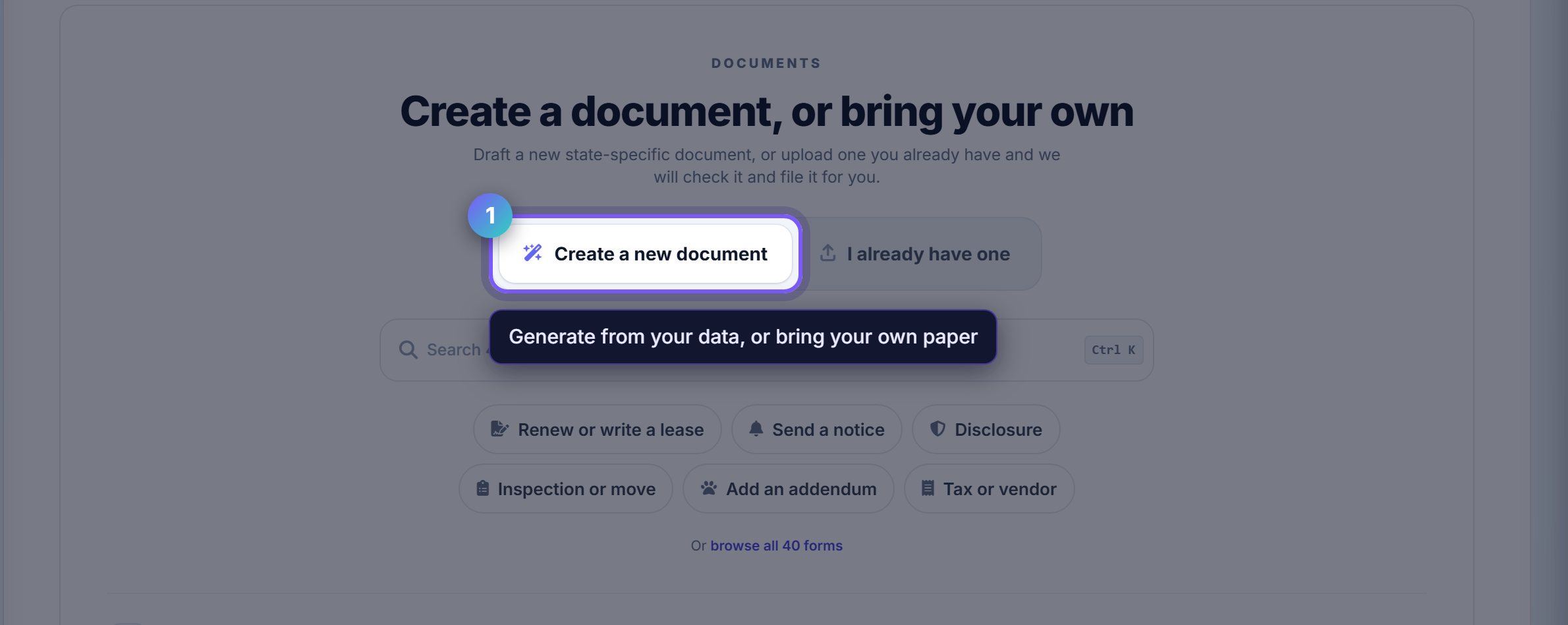
Two ways in, and they are different
Create a new document builds one from a Rentari template, filled from your property and lease data and adjusted for the state.
I already have one uploads your own paper. It still gets sent for signature and still lands in the vault; it just is not generated.
Describe it rather than browsing
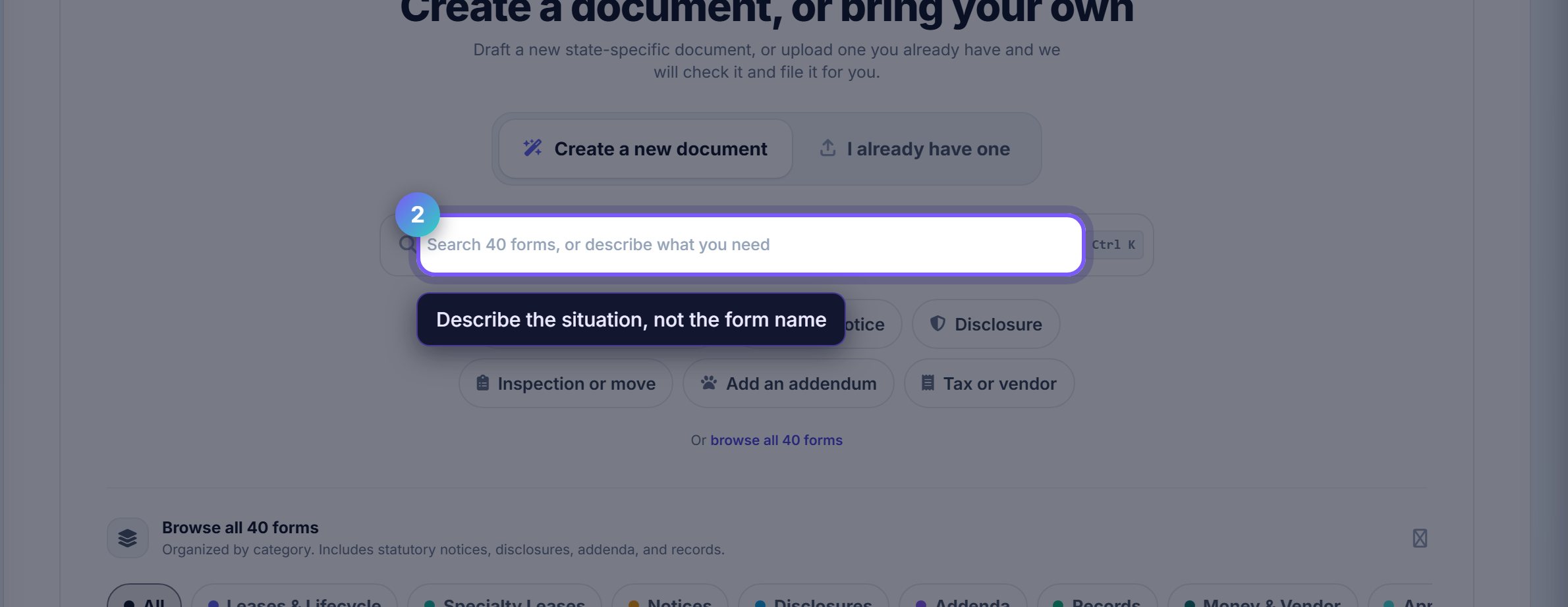
The search box takes a description, not just a form name. "Tenant wants to end early" finds the mutual termination without you knowing it is called that.
The six shortcuts under it cover the common cases, and the category row below narrows the full library of forty.
Pick the form that matches the situation
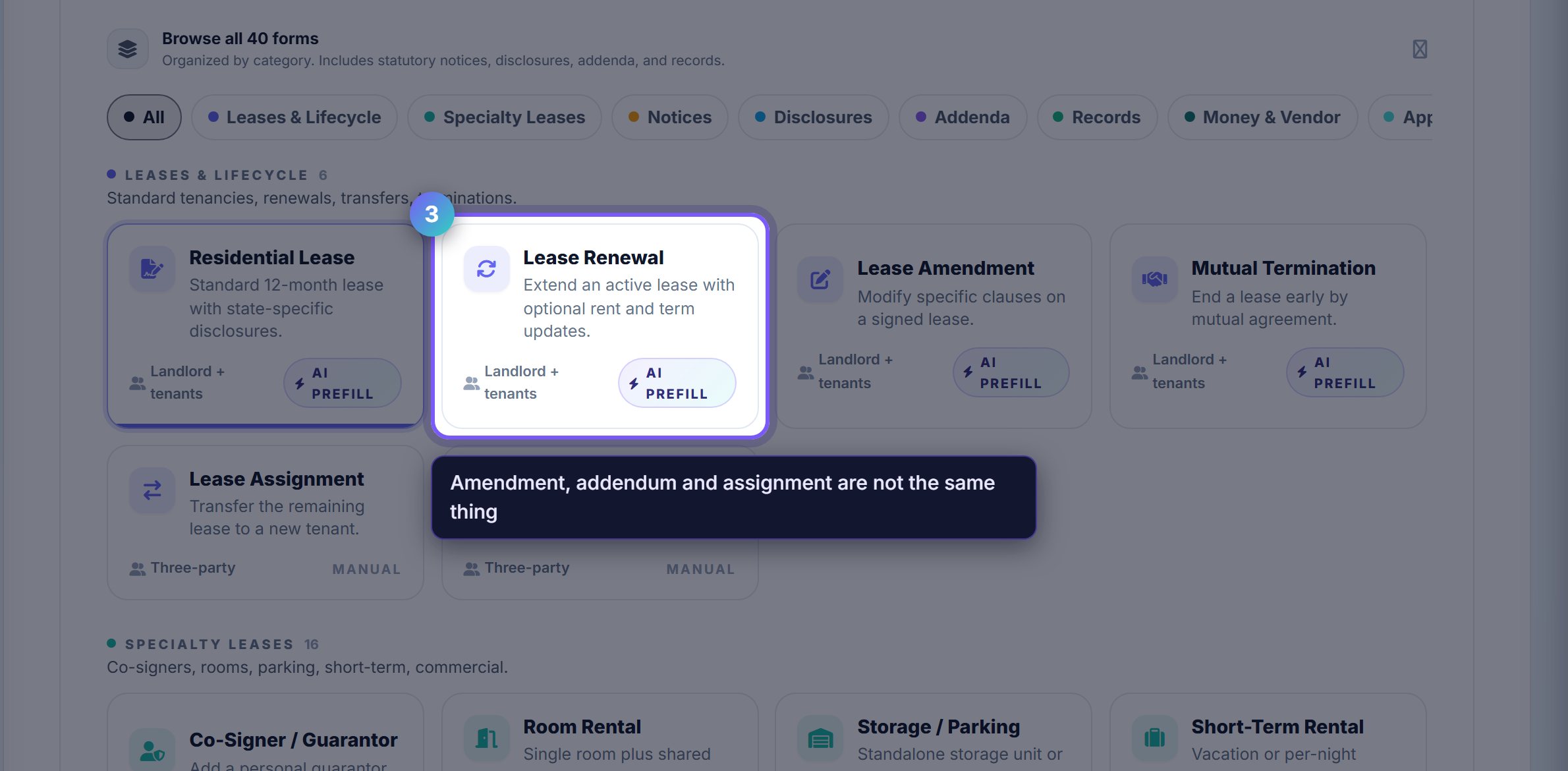
The distinctions matter more than they look. An amendment modifies a signed lease; an addendum adds to it; an assignment hands it to somebody else entirely.
Each card says what it does and what it needs, so the choice is made before you start filling anything in rather than halfway through.
Where to go next
- Lease trackerWatch what you just sent move from out-for-signature to executed.
- Online documentsWhere the signed copy lands afterwards.