
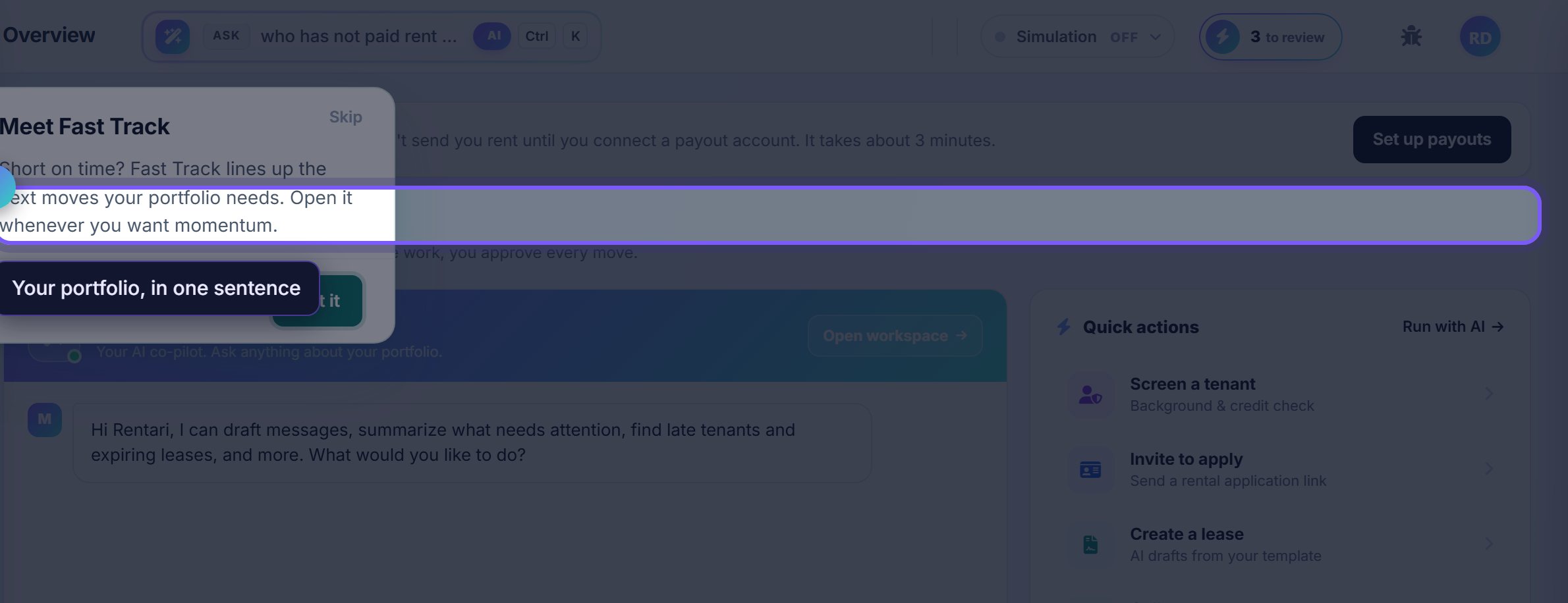
Start with the greeting line
The top of the page is a plain-language summary of your portfolio right now, not a chart. If nothing needs you, it says so.
Everything below is ordered by urgency rather than by feature, so reading top to bottom is the intended way to use it.
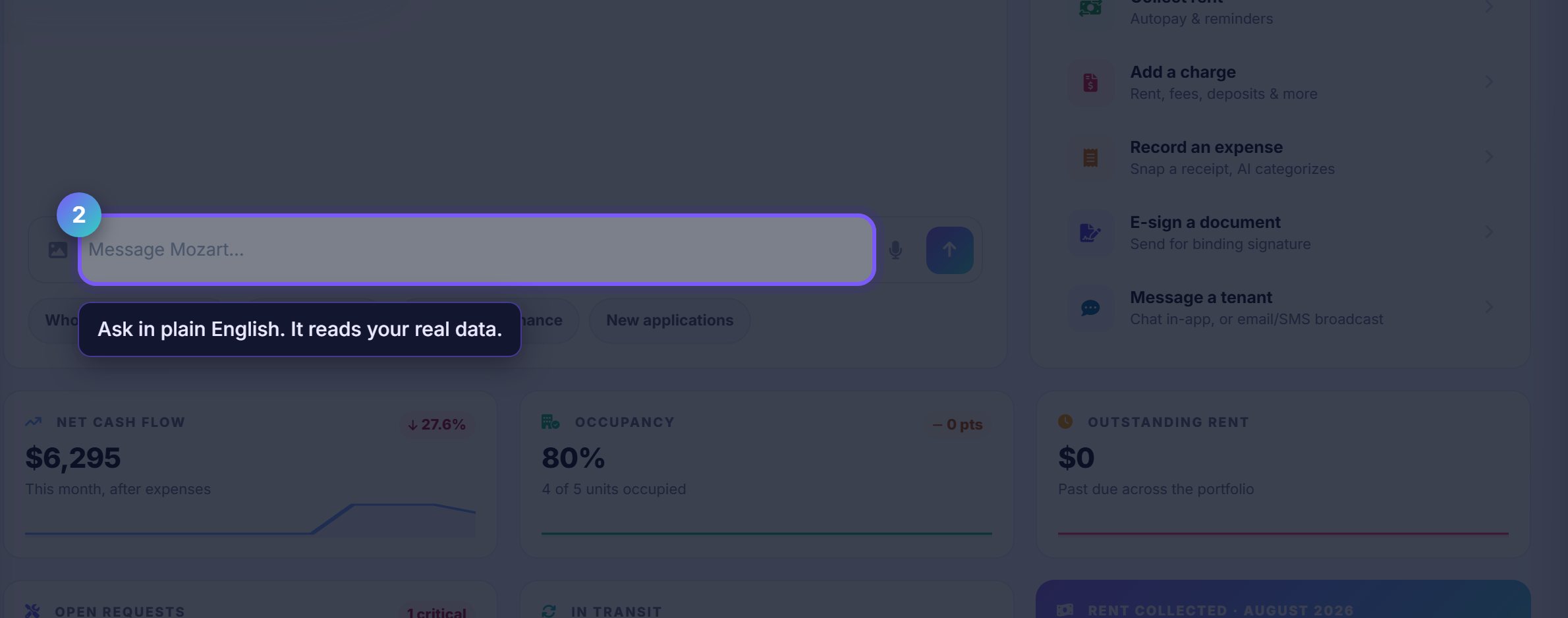
Ask Mozart instead of hunting
The message box talks to Mozart, the assistant that can see your actual portfolio. Asking beats navigating for anything you would otherwise go looking for.
The chips underneath are the questions landlords ask most. They are ordinary questions, not commands, so you can reword them freely.
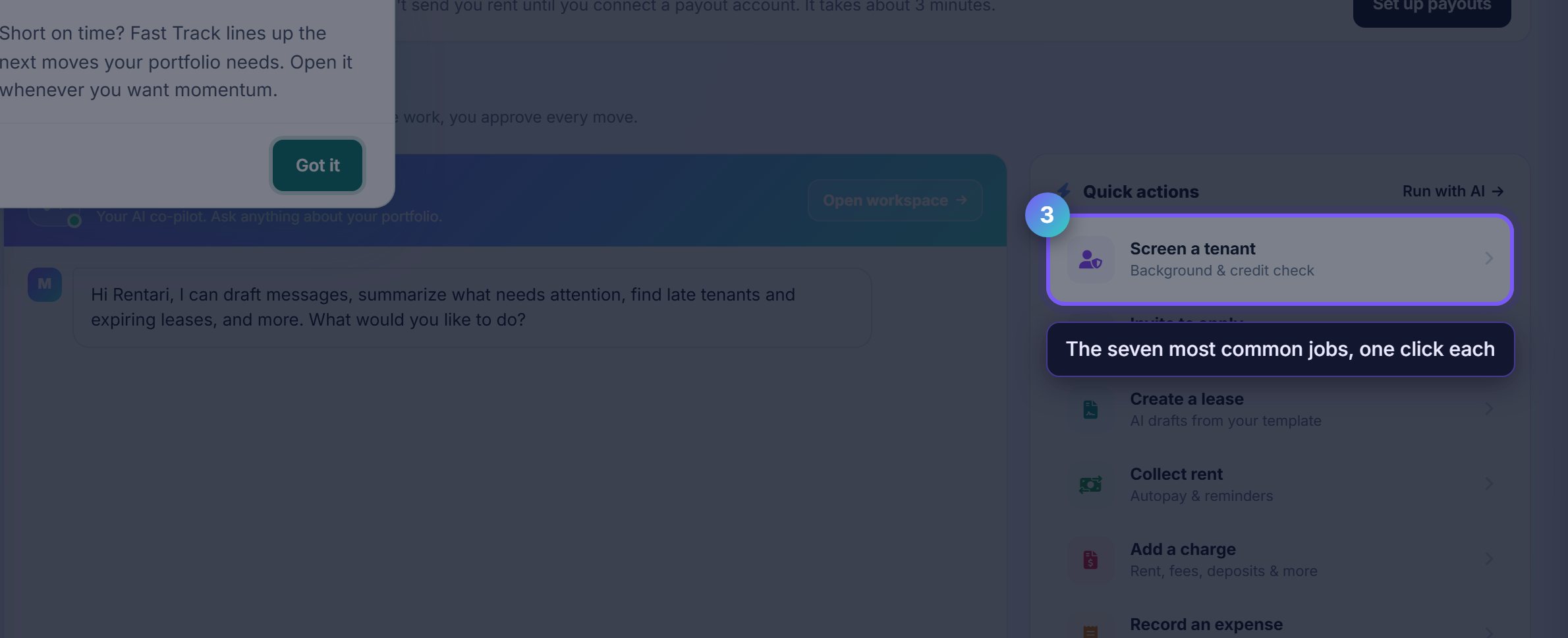
Work the quick actions
The right rail is the shortest path to the seven things landlords do most: screen, invite, draft a lease, collect, charge, record an expense, send for signature.
Each one opens the same screen you would reach through the menu, so there is nothing special about starting here beyond speed.
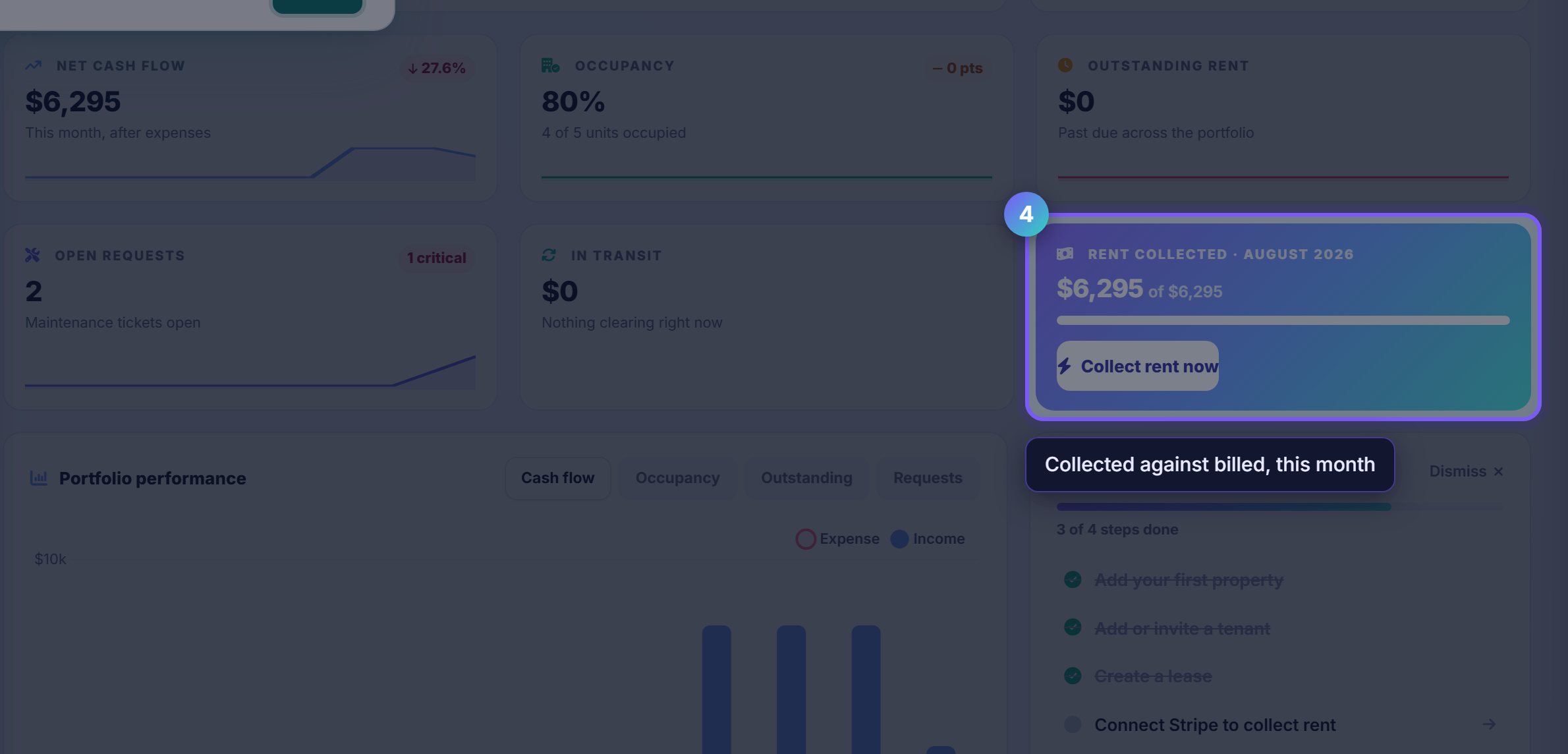
Check the rent tile before anything else
Collected against billed for the current month, with a direct link into rent collection. This is the number that tells you whether the month is going well.
It counts what has actually settled, not what has been charged, so it moves when money lands rather than when an invoice is raised.
Where to go next
- Set up rent collectionConnect payouts so what you see here can actually reach your bank.
- Fast TrackThe guided version of getting your first property, tenant and lease in.