
Before you startNothing. The log records from your first action onward and cannot be edited or turned off.
1
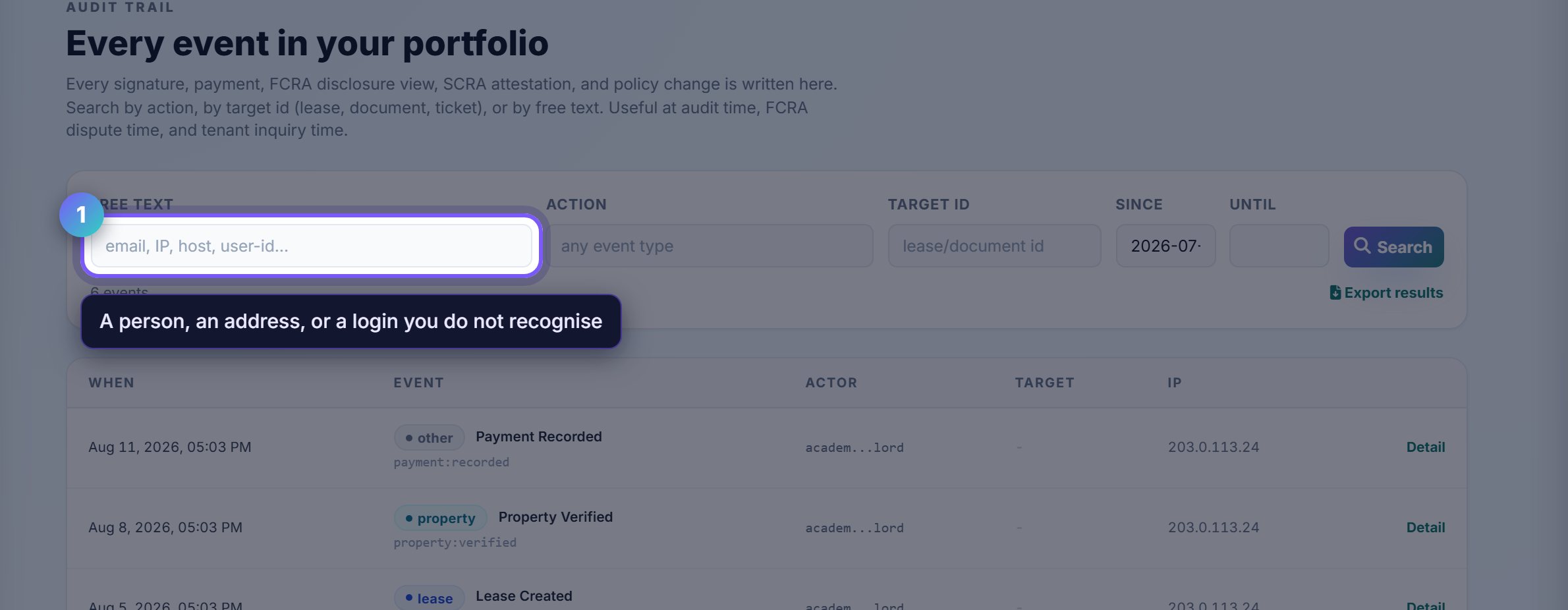
Search by whoever or whatever is in question
The first box matches an email, an IP address or a user id. It is the right starting point when the question is about a person: a manager you added, or a login you do not recognise.
The log covers everyone with access to your account, not only you.
2
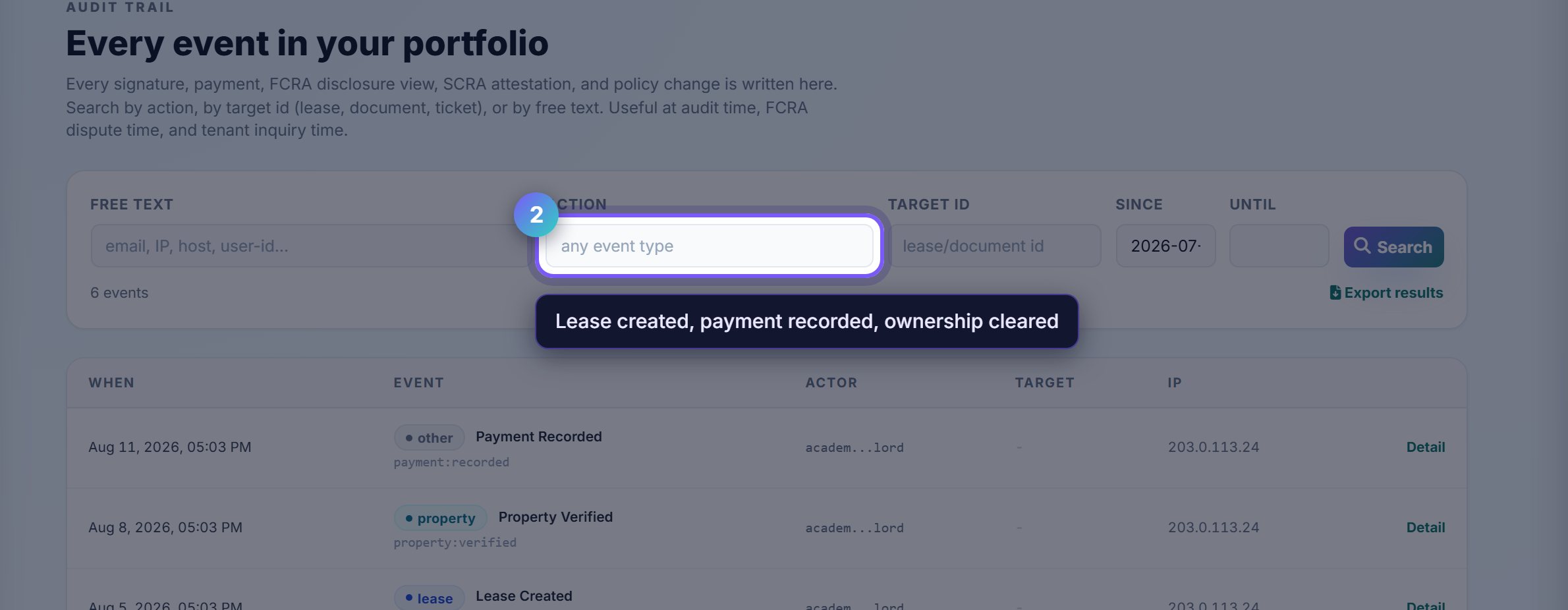
Narrow to the kind of event
Event type filters to one class of action: a lease created, a payment recorded, an ownership check cleared.
Pair it with the date range when you know roughly when something happened but not exactly what it was called.
Worth knowingEvery entry keeps the before and after state, so a disputed change shows what the value actually was rather than only that somebody touched it.
3
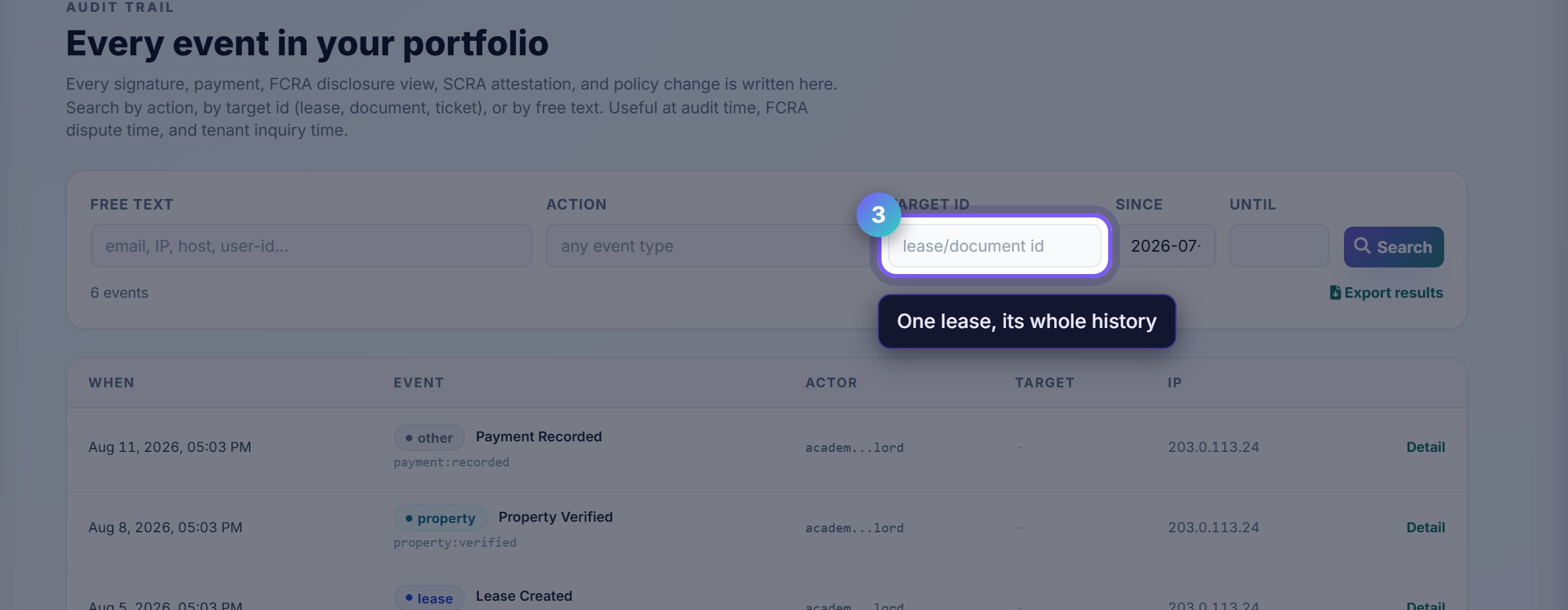
Search by the thing itself
Target id takes a lease or document id, which is the fastest route when the dispute is about one specific agreement.
Export results hands the filtered set to a lawyer or an insurer as a file, which is usually what they ask for.
Where to go next
- ComplianceThe obligations this record exists to evidence.
- Online documentsThe signed copies these events refer to.