
The ledger is the page
Every rent payment, fee and refund Rentari processes lands here automatically, already tied to the property and the tenant.
You are not doing data entry. You are reviewing what is already recorded and adding the things Rentari cannot see, like a cash repair or a mileage claim.
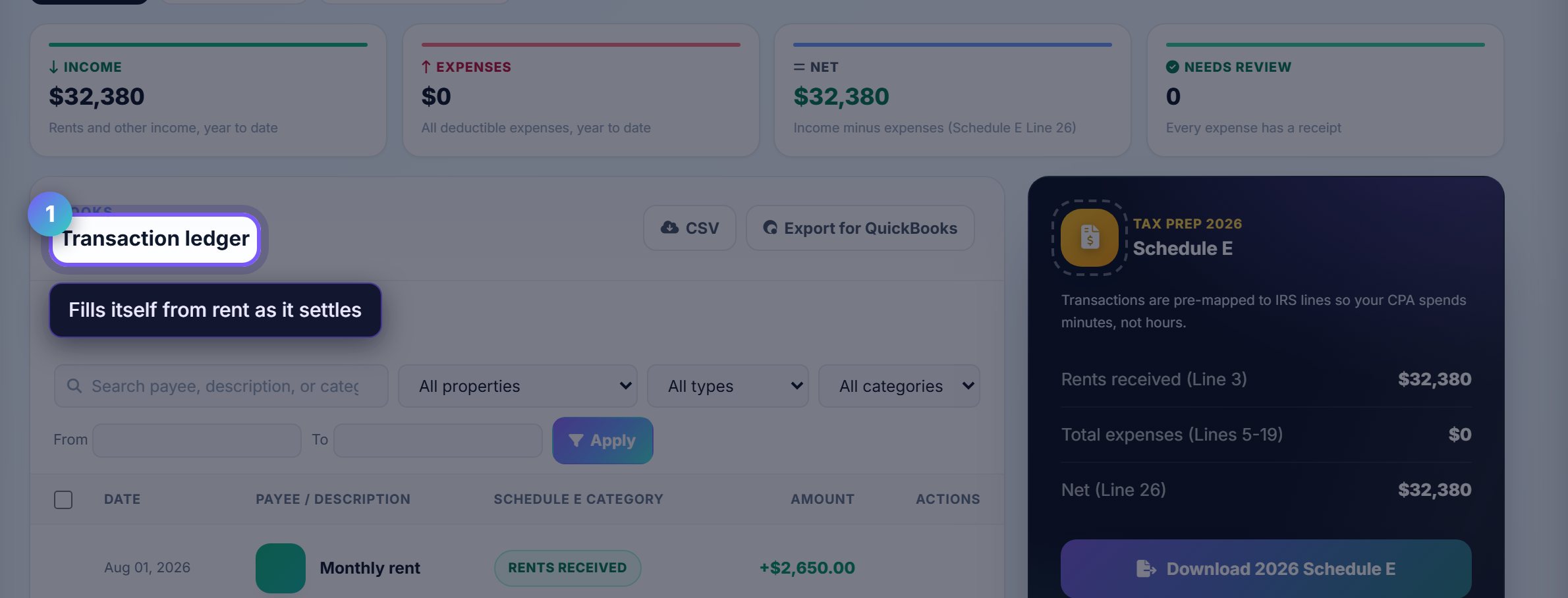
Record what Rentari cannot see
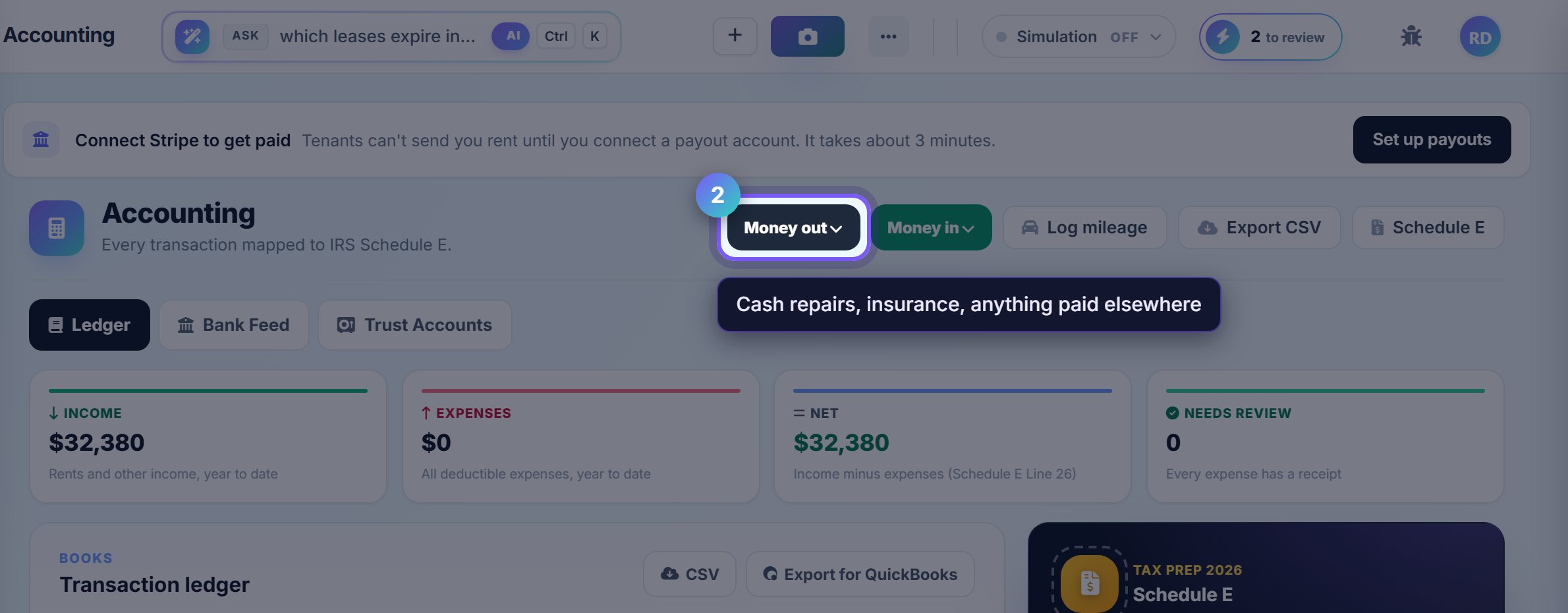
Money out is any expense you paid elsewhere: a plumber in cash, a hardware run, an insurance premium. Money in is income that did not come through Rentari.
Both ask for a property, which is what makes the Schedule E further down the page correct rather than approximate.
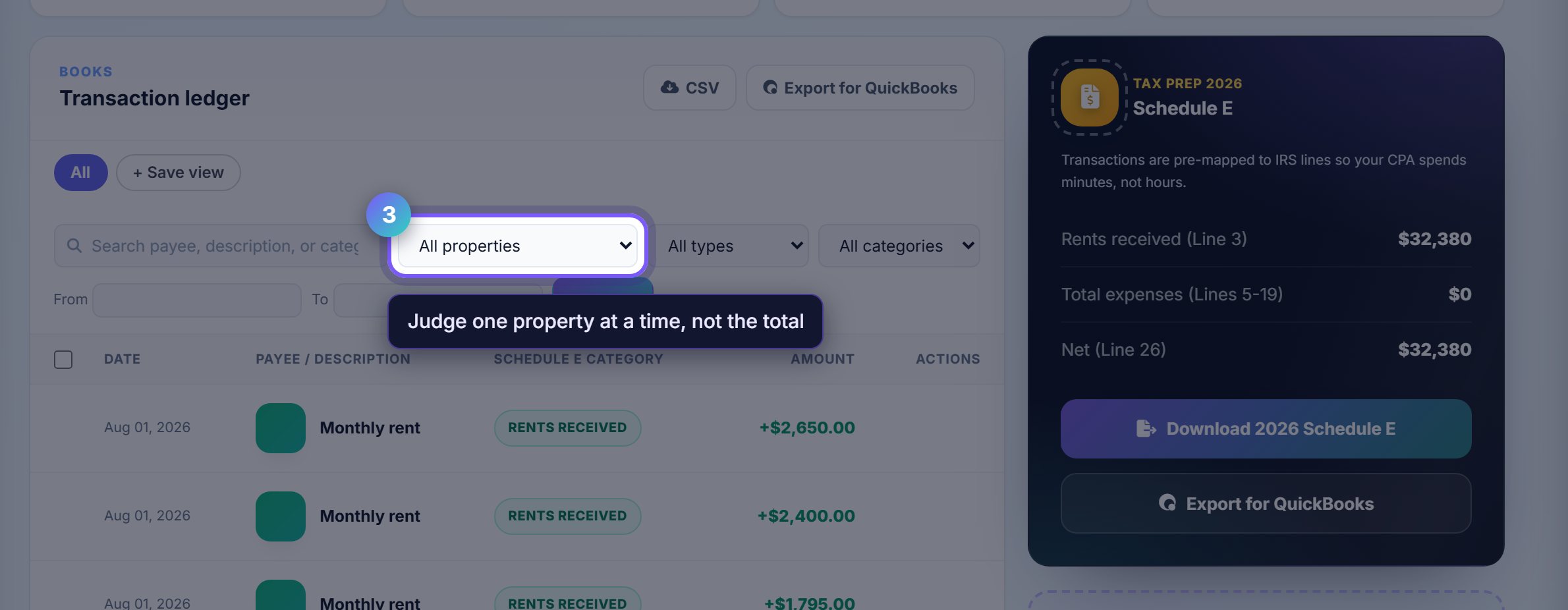
Filter to one property before you judge a number
The property selector narrows everything below it. A portfolio total tells you very little; one property against its own history tells you whether it is working.
The type filter has a Needs review option, which is the queue of transactions Rentari could not categorise on its own.
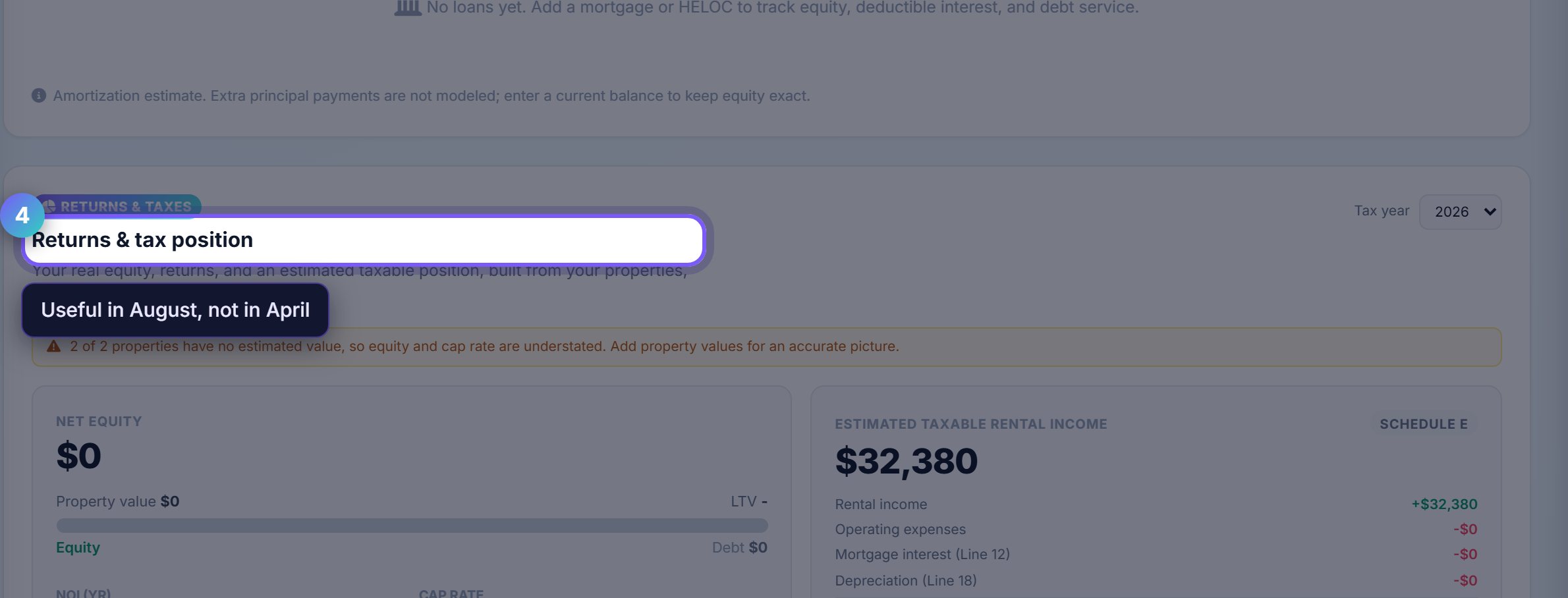
Check the tax position early
Returns and tax position estimates what you will owe on the rental income, from the categories above rather than from a guess.
Looking at this in August is the point. In April it is a receipt; in August it is a decision about whether to spend on the property before the year closes.
Where to go next
- Financial overviewThe charts version of the same numbers, plus the AI CFO.
- Rent collectionWhere most of these ledger lines come from.